Microsoft Teams Connection
To perform actions such as sending messages to channels and users using Flow, you need to establish a connection to your Microsoft Teams account.
This means granting Flow permissions to perform actions on behalf of the account you log in with. For example, if you log on using your account, the messages you send will display you sender.
Creating a new Microsoft Teams connection
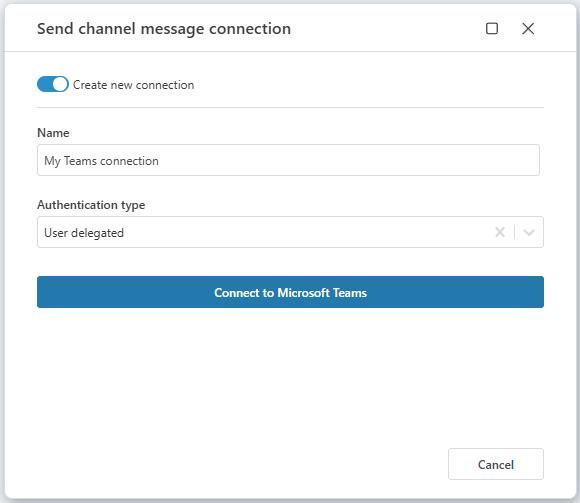
To create a new Microsoft Teams connection, add a Teams action (for example Send chat message) to a Flowchart and click the Connection property to open the Connection picker.
Select Create new connection, provide a Name and click Connect to Microsoft Teams. This will open a browser window where you log on using your preferred Microsoft account. Then, simply follow the instructions.