Getting started
This article walks you through creating a semantic model in Flow and making it available to AI agents.
1. Create a semantic model
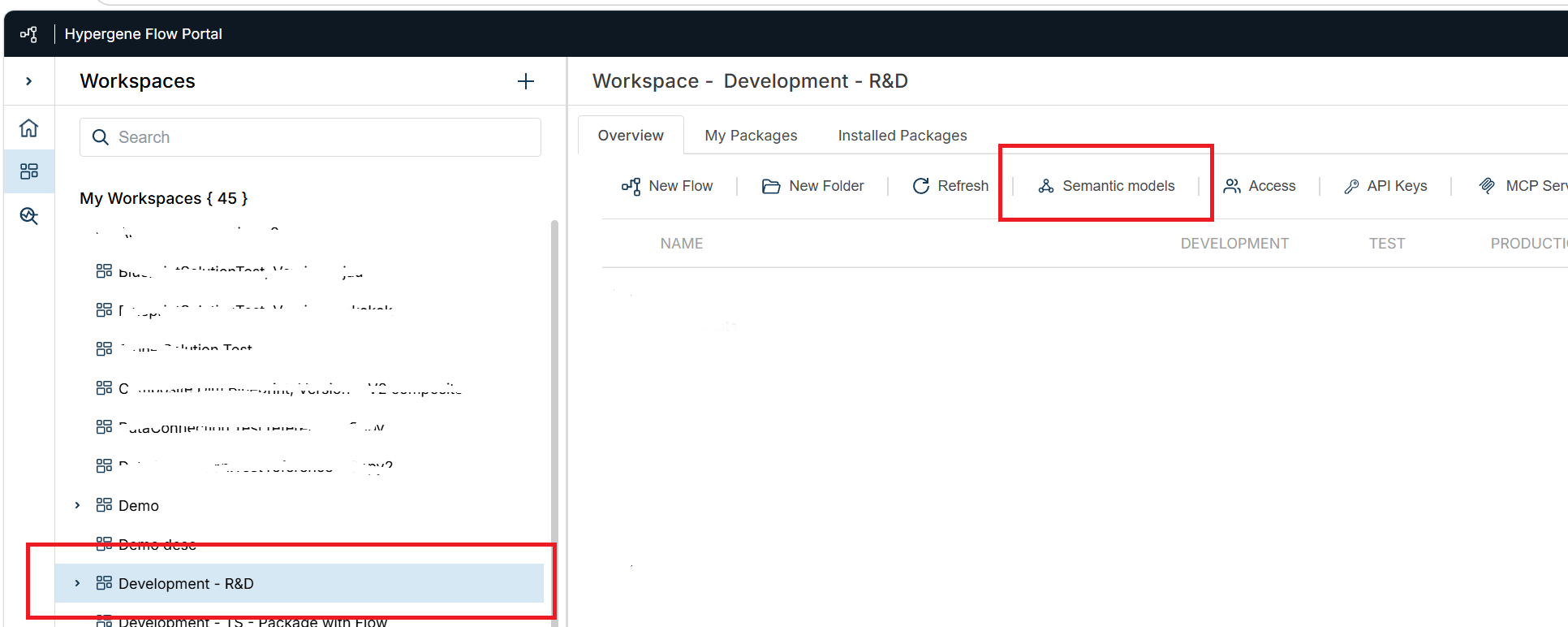
In the Portal, open your workspace and select Semantic models. This opens the semantic model manager in Flow.
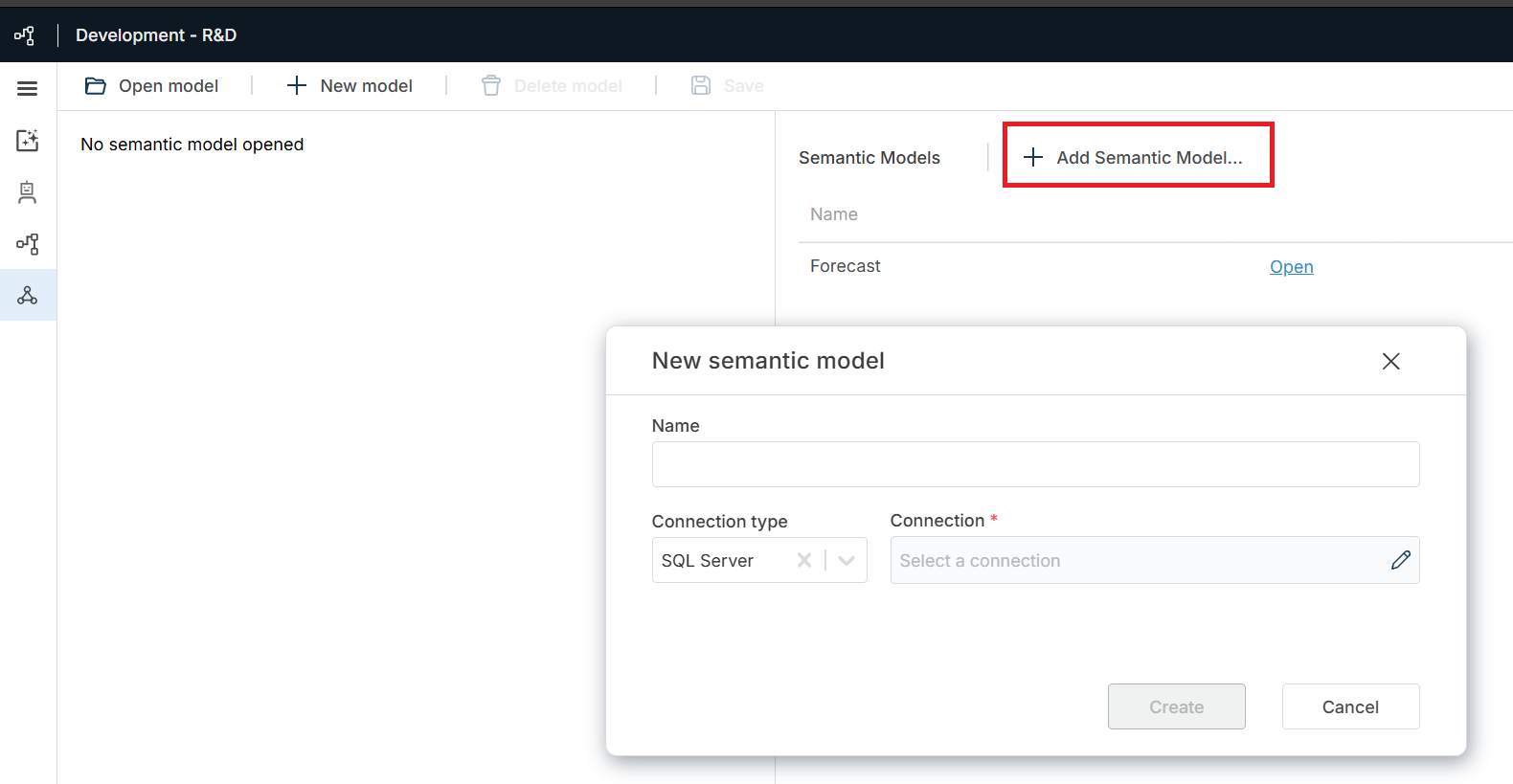
Create a new semantic model by entering a name and selecting a connection type. SQL Server is currently the only supported connection type. Choose an existing connection or create a new one.
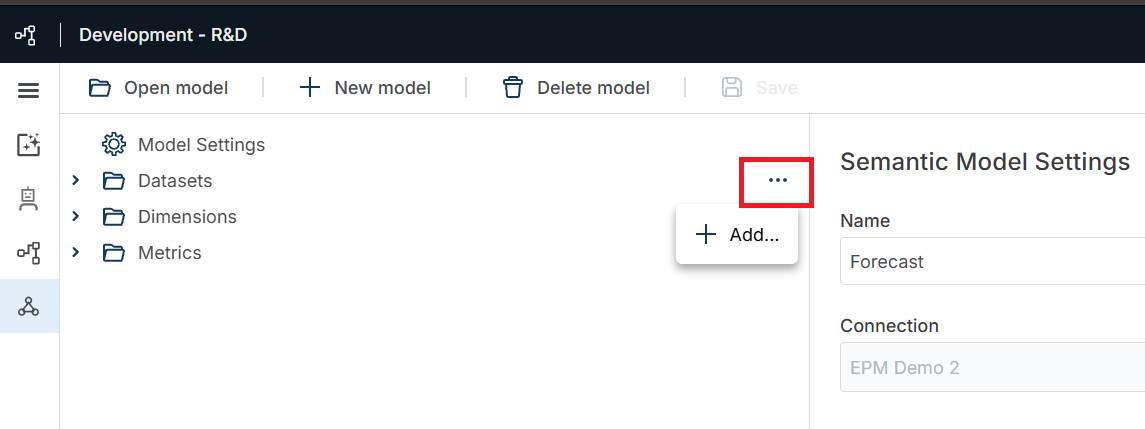
2. Add a dataset and metrics
In the explorer on the right, add a new dataset. Then configure it by adding columns and metrics.
3. Add dimensions (optional)
Add dimensions to model a star schema. Dimensions provide the descriptive attributes (the who, what, when, where and how) that give context to the facts in your datasets. Each dimension has a primary key that defines its relationship to the dataset (fact) table.
4. Add derived metrics (optional)
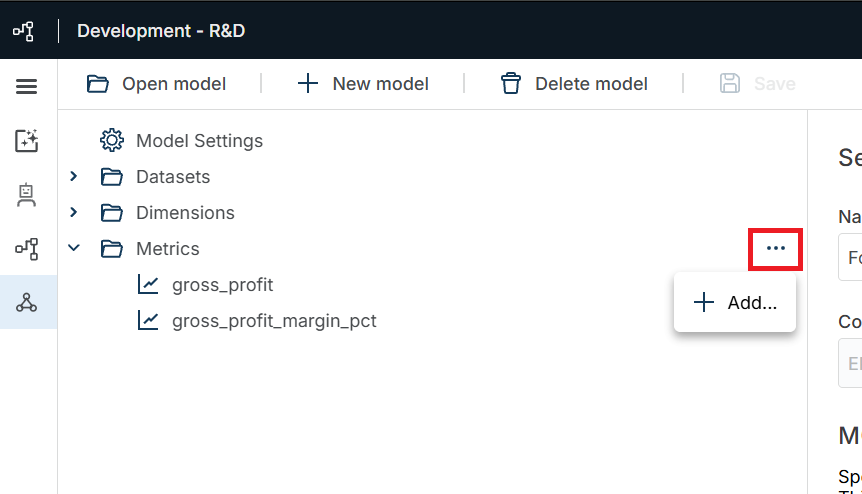
Add derived metrics to calculate new values from dataset metrics using formulas.
5. Connect an MCP client
Connect an MCP client, such as Claude or Microsoft 365 Copilot, to query the semantic model using natural language.