Context Item
The Context, associates messages with metadata, for example which department or contract the message belongs to. A common use case is to associate messages with Filters.
Properties
| Name | Description |
|---|---|
| Key | Name of the context item that will associate with a context, e.g.: "FilterByDepartment" |
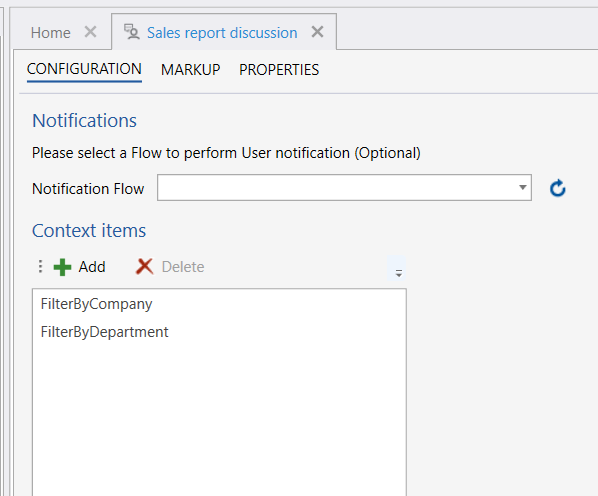
Example 
You create context item in the Invision Designer, on the User Chat solution item, and the above example shows an example where the context items FilterByCompany and FilterByDepartment are created.