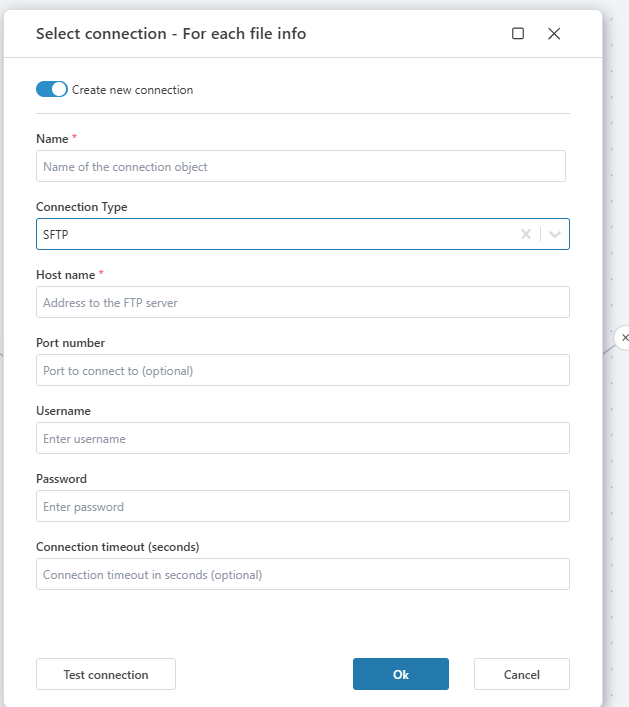
FTP & SFTP Connection
To use FTP or SFTP actions in Hypergene Flow, you need to create a connection to the FTP/SFTP server.
This guide outlines how to configure and test a new FTP or SFTP connection.
Creating a New Connection
When adding an FTP or SFTP action, you will be prompted to select or create a connection. To create a new one, enable Create new connection and fill in the required details.
Connection properties
| Name | Description |
|---|---|
| Name | A custom name for the connection. This name will be displayed in Flow when selecting the connection. |
| Connection Type | Choose either FTP or SFTP depending on your server protocol. |
| Host name | The address of your FTP or SFTP server (e.g., ftp.myserver.com). |
| Port number | (Optional) Port number to connect to. Default is 21 for FTP and 22 for SFTP. |
| Username | Username required for authentication on the server. |
| Password | Password corresponding to the username above. |
| Connection timeout (seconds) | (Optional) Duration before the connection attempt times out. |
Testing the Connection
After filling out the form:
- Click Test connection to verify if the server is reachable and the credentials are correct.
- If the connection succeeds, click Ok to save it.
- If the connection fails, verify the hostname, port, username, and password.
FTP Configuration
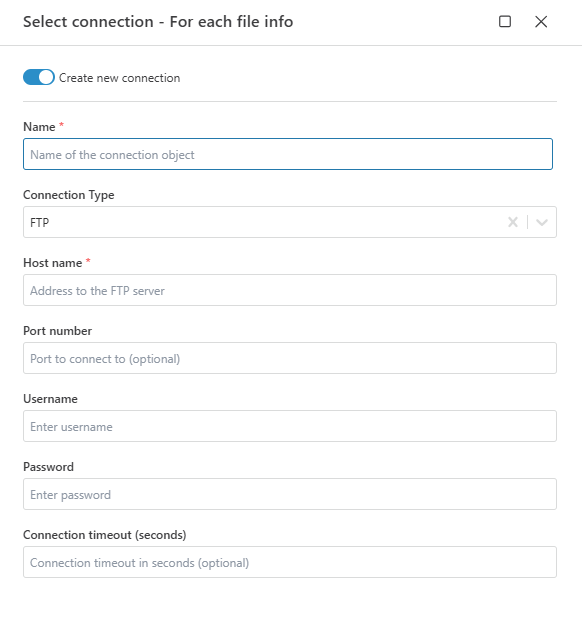
SFTP Configuration